- lib3mf integration series (1): compilation and sample testing
- lib3mf integration series (2): Flutter FFI plug-in creation and Android integration
- lib3mf integration series (3): Parsing 3MF file information in Flutter
- lib3mf integration series (4): Flutter Texture and C++ OpenGL cross-terminal rendering architecture
- lib3mf integrated series (5): C++ extraction of 3MF data and OpenGL rendering practice
background
I have been learning Flutter for half a month, and I can’t stand watching Flutter in action anymore, so I plan to write something to practice my skills.
I don’t want to write a basic UI interface, so I want to try Flutter FFI, and interact with Android natively, and involve some OpenGL rendering.
Hence this article.
This article is part of a series of articles, mainly recording how to compile lib3mf and basic usage.
To ensure a consistent environment, the compilation is based on 9ada20e4287fec118a29d5643f5714ea68302e21 (the latest commit of the master branch at that time)
3mf file introduction
3MF (3D Manufacturing Format) is an open, XML-based document format designed specifically for 3D printing, aiming to solve the problem of missing information in traditional formats such as STL. It can fully describe model geometry, color, material, support and printing parameters in a compressed file, and has become an international standard in 2025 (ISO/IEC 25422:2025).
Introduction to lib3mf
lib3mf is an open source C++ library for reading and writing 3MF files. It provides a complete implementation of 3MF files, including the 3MF core specification and all related extensions.
Preparation
Download source code
git clone https://github.com/3MFConsortium/lib3mf.git
git submodule update
compile
mkdir build
cd build
cmake ..
make
After successful compilation, the generated file is located in the build directory, including lib3mf.2.dylib and other dependent libraries.
Compile SDK/EXample/CPP
lib3mf’s C++ sample programs cover application scenarios from basic geometry generation to advanced extensions such as lattice, slicing, and encryption.
Direct compilation will prompt that header files and library files are missing, and the CMakeLists.txt file needs to be repaired.
Fix path error in CMakeLists.txt
Mainly due to path errors, direct compilation reports that lib3mf_implicit.hpp and lib3mf libraries cannot be found. It is necessary to manually repair the paths such as include_directories and link_directories.
Later I compiled the Example in the CPP directory, so the path was modified as follows:
include_directories(${CMAKE_CURRENT_SOURCE_DIR}/../../Bindings/Cpp)

include_directories(${CMAKE_CURRENT_SOURCE_DIR}/../../../Autogenerated/Bindings/Cpp)

link_directories(${CMAKE_CURRENT_SOURCE_DIR}/../../Bin)
link_directories(${CMAKE_CURRENT_SOURCE_DIR}/../../../build)

add_custom_command(TARGET ${MyTarget} POST_BUILD COMMAND ${CMAKE_COMMAND} -E copy_if_different "${CMAKE_CURRENT_SOURCE_DIR}/../../Bin/lib3mf.${LSUFFIX}" $<TARGET_FILE_DIR:${MyTarget}>/lib3mf${LSUFFIXOUT})

add_custom_command(TARGET ${MyTarget} POST_BUILD COMMAND ${CMAKE_COMMAND} -E copy_if_different "${CMAKE_CURRENT_SOURCE_DIR}/../../../build/lib3mf.${LSUFFIX}" $<TARGET_FILE_DIR:${MyTarget}>/lib3mf${LSUFFIXOUT})
Compile again
Make again to get the executable file
❯ ls
CMakeCache.txt             Example_Components         Example_SecureCube         GenerateVS2017.bat         lib3mf.2.dylib
CMakeFiles                 Example_Converter          Example_Slice              GenerateVS2019.bat
CMakeLists.txt             Example_Cube               Example_TextureCube        Makefile
Example_BeamLattice        Example_ExtractInfo        GenerateMake.sh            Source
Example_ColorCube          Example_FillMeshWithGyroid GenerateVS2015.bat         cmake_install.cmake
After running Example_ColorCube, I got a colorcube.3mf. It turns out that this is an example of generating a 3mf file.
Preview the model after opening it with Bambu Studio
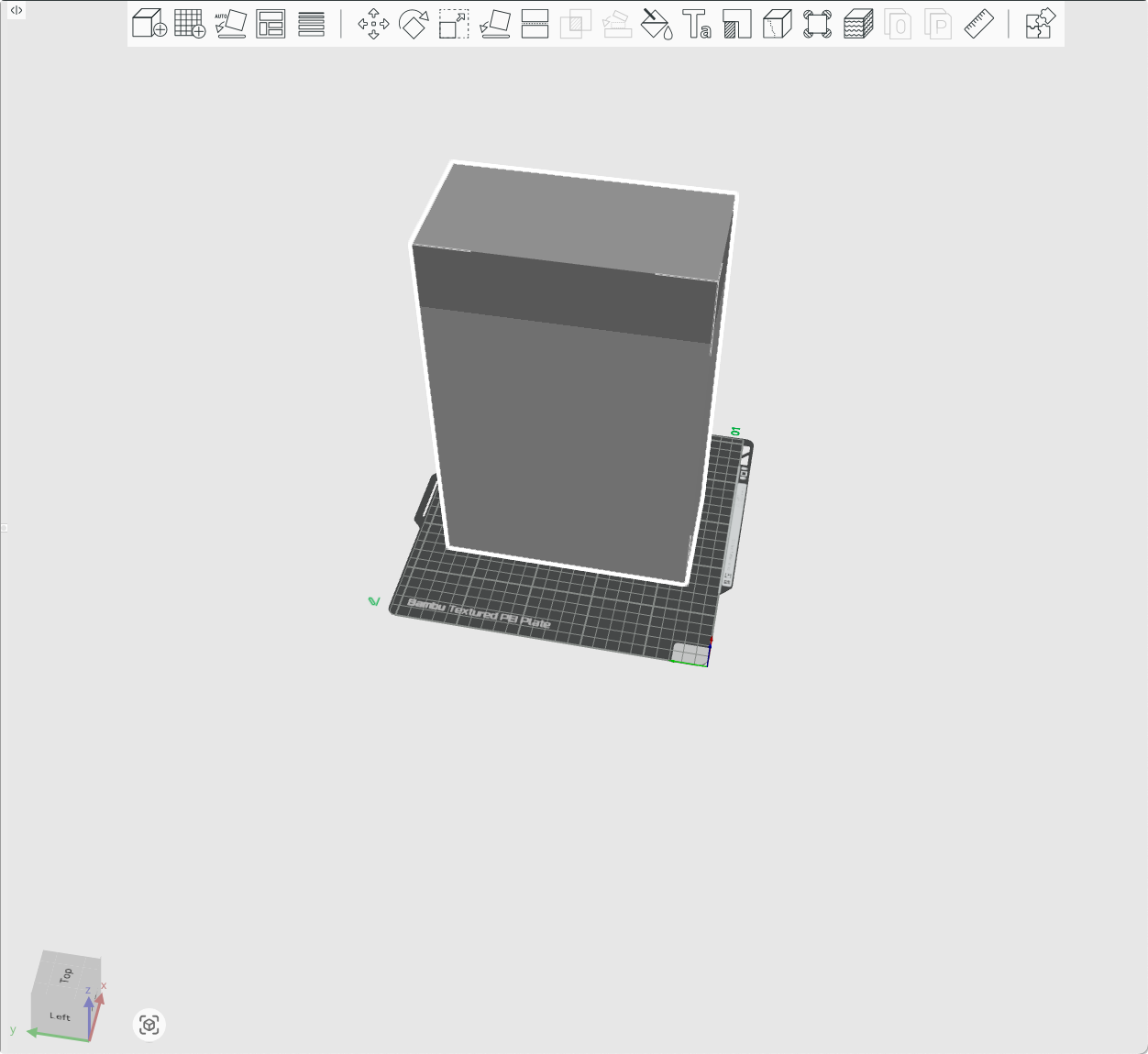 I found that it is not a cube, but I don’t know why the example is called Cube, and it has no color.
In order to verify the color, use MeshLab to open and correctly identify the color.
I found that it is not a cube, but I don’t know why the example is called Cube, and it has no color.
In order to verify the color, use MeshLab to open and correctly identify the color.
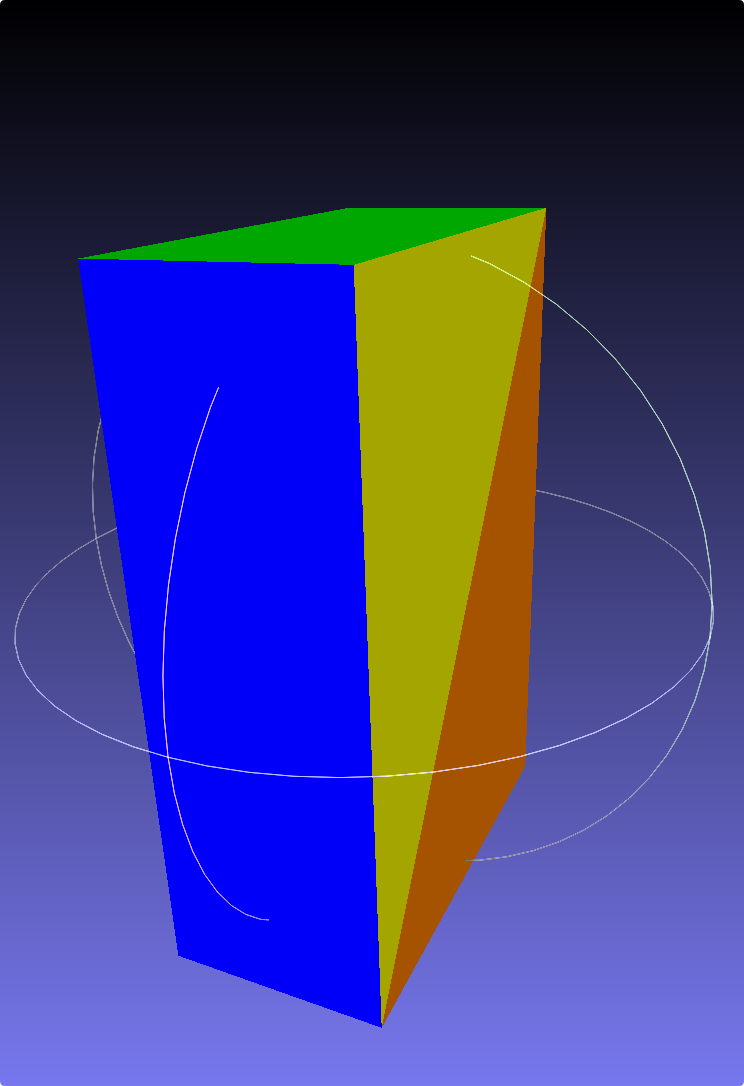
lib3mf sample program (CPP) run report
The previous steps have compiled all the Example executable files. I simply record all the Example functions and their performance in different viewers here.
1. Basic models and transformations
| Example name | Function description | Compatibility and remarks | Preview image |
|---|---|---|---|
| Cube | Ordinary cuboid model | The most basic geometry generation example. | |
| ColorCube | Color Cube | Demonstrates how to add color attributes to the model. | 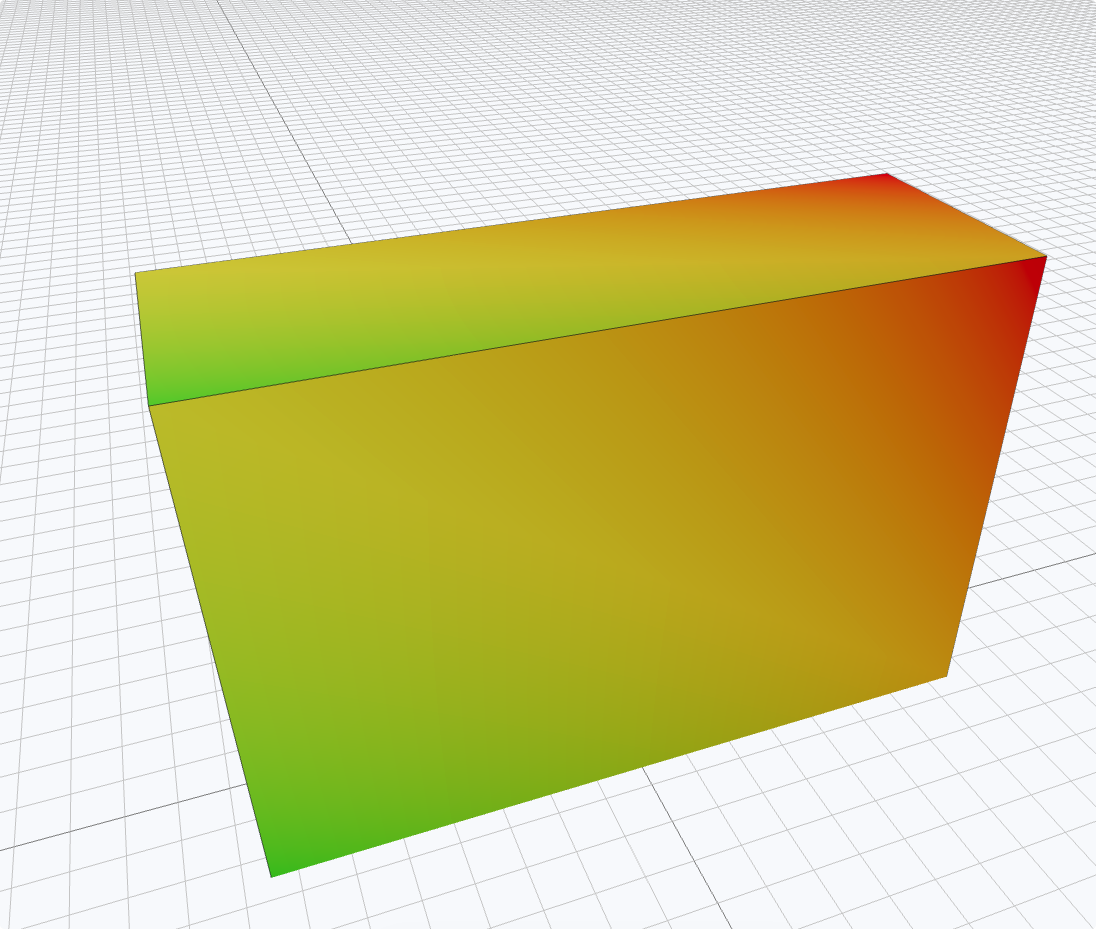 |
| Components | Object reuse feature | Generate multiple cuboids at different positions and support exporting STL/3MF. | 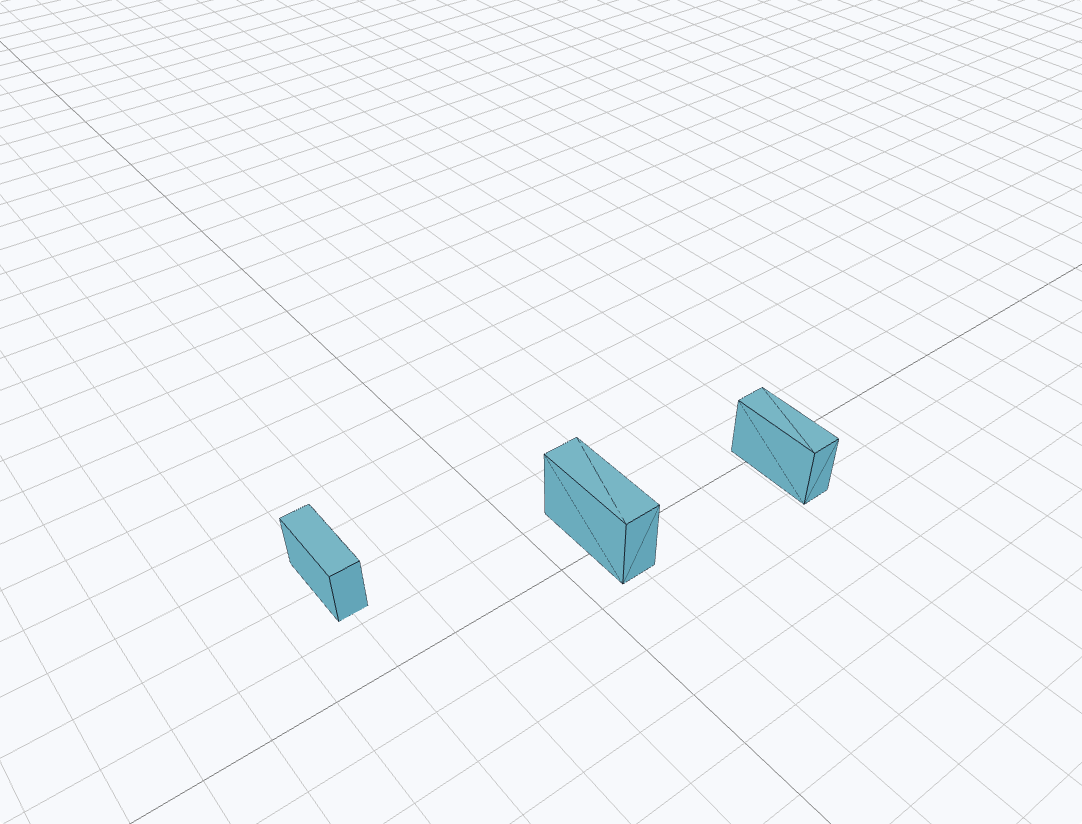 |
| Converter | Format conversion | Implements bidirectional conversion of 3MF ↔ STL. | - |
| ExtractInfo | Information Extraction | Read and print model metadata from a 3MF file. | - |
2. Complex structure and compatibility analysis
Special tests for 3MF Advanced Extensions (Lattice):
| Example name | Core principle | Viewer performance (Bambu Studio/ MeshLab / 3mfViewer) | Preview |
|---|---|---|---|
| BeamLattice | Frame based on “Beam” element (Beam Lattice). | Bambu Studio cannot be opened; MeshLab only displays outlines; 3mfViewer supports well. | 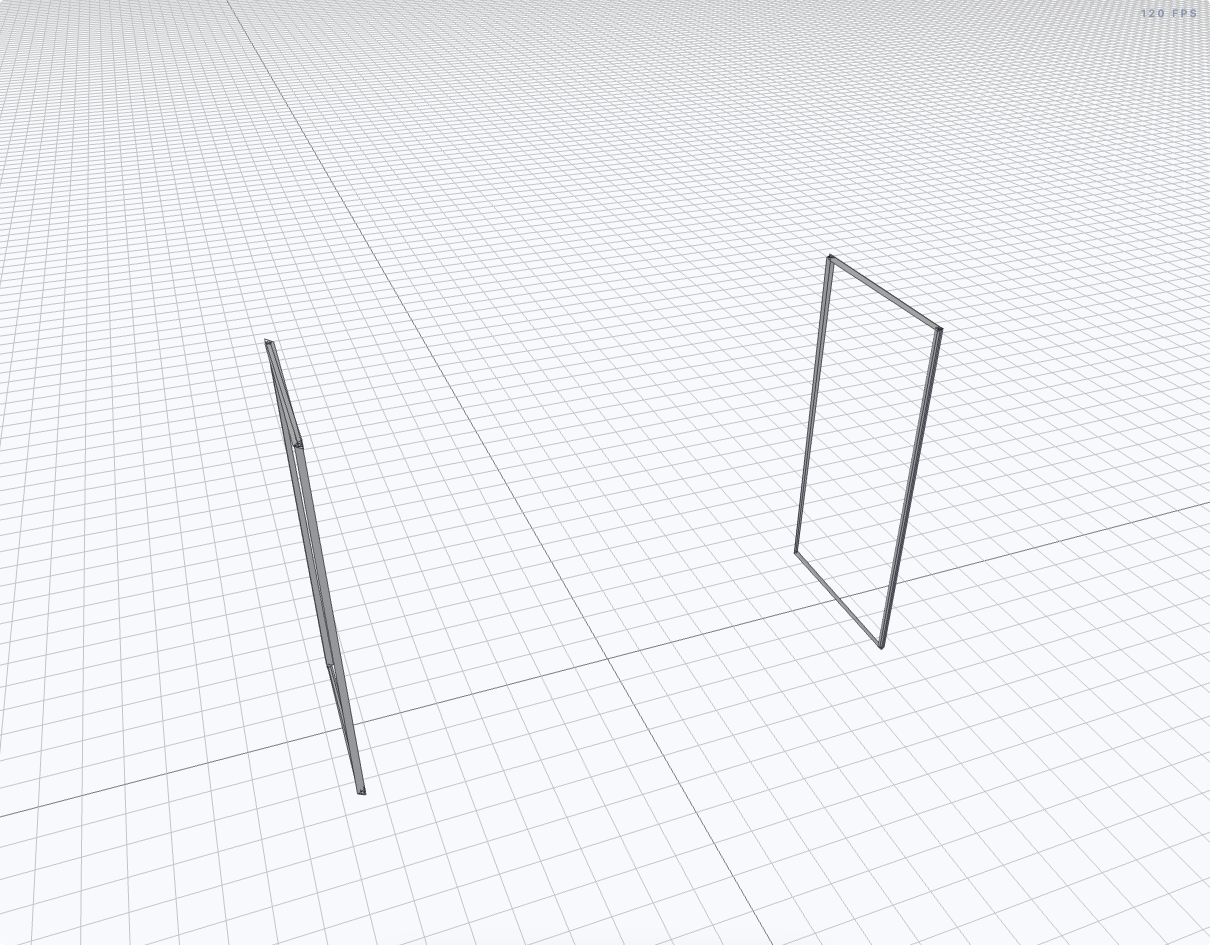 |
| FillMeshGyroid | Gyroid gyro surface lattice generated by mathematical formula. | Bambu Studio/3mfViewer cannot be opened. | - |
3MF is not a single standard. It consists of Core Spec and multiple Extensions. Different slicing software may implement Extensions as needed.
3. Function extension example
- Slice (built-in slice)
- Function: Generate 3MF files containing built-in slicing information.
- Performs: Bambu Studio ignores this information; but in 3mf Viewer, a dedicated Slice slider will appear on the right for layer-by-layer observation.
- SecureCube (Security Extension)
- Features: Demonstrates 3MF’s security content extensions (e.g. encryption, digital signatures).
- Status: Not yet studied in depth.
Preparing for Flutter FFI
Before entering the next article, we need to confirm whether the compiled dynamic library meets the FFI calling requirements.
Check export symbols
Check with nm -gU lib3mf.2.dylib. lib3mf provides a specialized C-Wrapper, which is crucial for Flutter (which can only directly call C-style interfaces).
❯ nm -gU lib3mf.2.dylib
00000000001abe30 T _lib3mf_accessright_getconsumer
00000000001ac8ec T _lib3mf_accessright_getdigestmethod
00000000001ac54c T _lib3mf_accessright_getmgfalgorithm
00000000001ac1b4 T _lib3mf_accessright_getwrappingalgorithm
00000000001e09fc T _lib3mf_acquire
000000000016c3fc T _lib3mf_attachment_getpath
...
Handle mechanism
lib3mf uses handles to manage objects, which means that on the Flutter side we need to maintain a set of pointer mappings to prevent memory leaks.
Summary
This article completes the environment construction and functional verification of lib3mf. Although some advanced extensions are not compatible with commercial slicing software, lib3mf’s powerful C-API provides a solid foundation for us to operate 3D models in Flutter.