Process and cost at a glance
This is my 2025 release record, not a live policy bulletin. Account type, registration date and region can affect requirements. Check Google’s personal-account testing documentation and your Play Console before planning a release.
| Stage | My record | Prepare |
|---|---|---|
| Personal account | $25 registration fee | Identity, contact details and required verification |
| App setup | ESPFlash | App bundle, screenshots, description and privacy policy |
| Closed testing | 12 testers opted in continuously for 14 days | Actual testing, feedback and fixes |
| Production access | Apply after meeting test requirements | Explain testing and release readiness |
| Release review | Approved after a correction | Align privacy disclosures with Firebase / AdMob behavior |
Completing testing, obtaining production access and passing app review are separate steps. None guarantees the next. My initial review took about three days and the corrected submission passed within hours; those timings are not a service guarantee.
Background and original intention
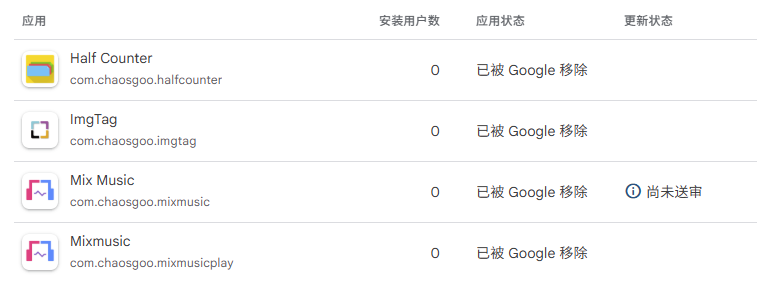
I have been involved in Android development for some time. Registered and used it as a student Google Play developer account, completed under the review environment at that time Release and practice of multiple applications.
As platform policies and compliance requirements continue to adjust,
The historical account has been actively terminated, and the related applications have also stopped maintenance.
The experience of this stage is mainly recorded as part of the personal technical growth process.
Recently, out of my interest in Compose, I developed an ESP32 flashing tool for the Android platform while learning and doing it, named ESPFlash
Getting started: Register a developer account
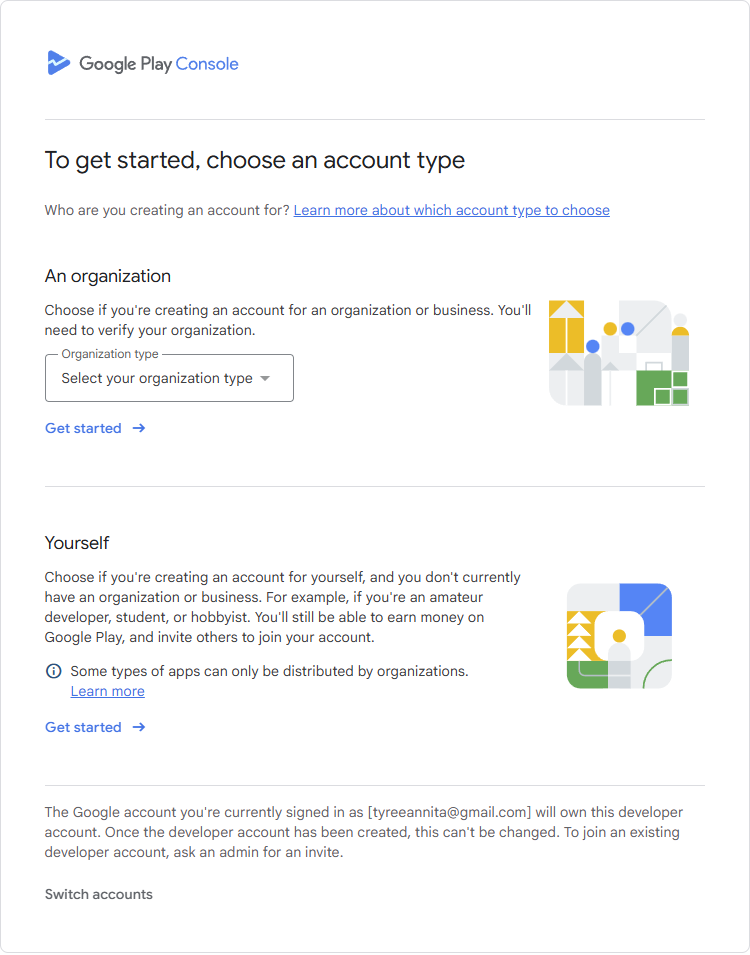
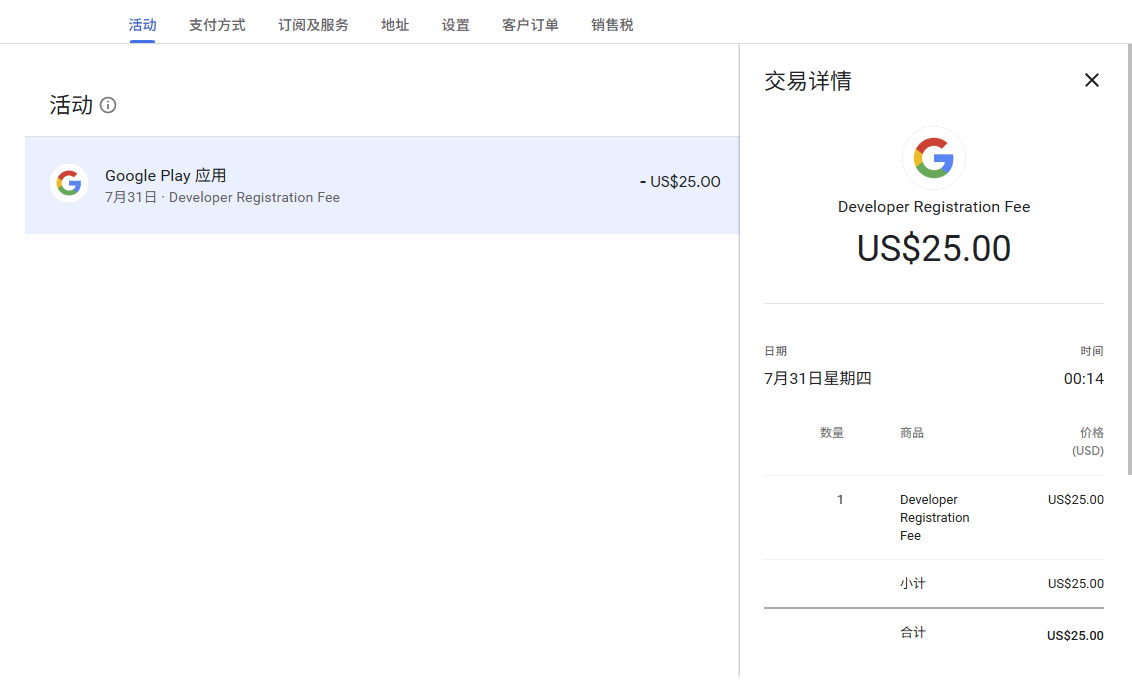
The first step to listing on the Play Store is to use your Google account to pay $25 to register as a Play developer. The registration link ishttps://play.google.com/console/signup
As an individual developer, I choose to register a personal account.
After filling in the basic information, enter the credit card information to complete the deduction. I use the Bank of Communications Youth Power card I applied for when I was a student, which supports UnionPay and VISA.
Create apps and improve information
After creating an application in the developer console, you need to fill in basic information and prepare application screenshots and privacy policy pages.
- The size meets the requirements. If you pursue beauty, you can use online tools such as theapplaunchpad or app-mockup to generate it.
- Privacy Policy: This is key. Even if your APP is a tool and does not actively collect user data, as long as it is connected to third-party SDKs such as Firebase and AdMob, it must be clearly informed in the privacy policy. I use tools like free privacy policy to generate content and host it on my own domain.
Privacy and SDK checklist
- Inventory enabled SDKs and features; disclose actual behavior, not assumed collection.
- Check data types, purposes, sharing, retention and deletion.
- Keep the privacy policy, in-app explanations and Data safety form consistent.
- Make the policy accessible without login, with contact and update information.
- Check whether permissions and features require additional disclosure or consent.
- Use the Google Play User Data policy as a reference. A policy generator provides a draft, not a compliance guarantee.
Closed Beta: Find people to “partner” with in the developer community
This is the most patience-consuming part of the entire process. My account was subject to Google’s closed-testing requirements: at least 12 testers opted in continuously for 14 days before applying for production access. Continuous opt-in is not the same as mechanically opening an app each day.
When I first saw this request, I was confused - how come there are so many Android users around me, and they still have to help me click on the APP every day? Fortunately, I later came across Reddit’s AndroidClosedTesting section. This place is literally a “mutual aid gas station” for independent developers, everyone is facing the same dilemma.
I recruited fellow developers through the community and tried other developers’ apps in return. At one point I had fifty or sixty apps installed. Looking back, a tester count or repeated app launches alone do not demonstrate useful testing. Ask testers to exercise real workflows and keep notes on feedback, issues and fixes.
In China, you can also publish your own APP in the Share creation section of V2EX, relying on my years of diving experience. I have seen many developers build tens of thousands of tall buildings after releasing their own APPs (an exaggeration, there are still hundreds of floors).
Official version
After meeting the testing conditions shown in Play Console, apply for production access and describe participation, feedback and release readiness. Once access is granted, submit the production release and store materials for app review. These are separate stages.
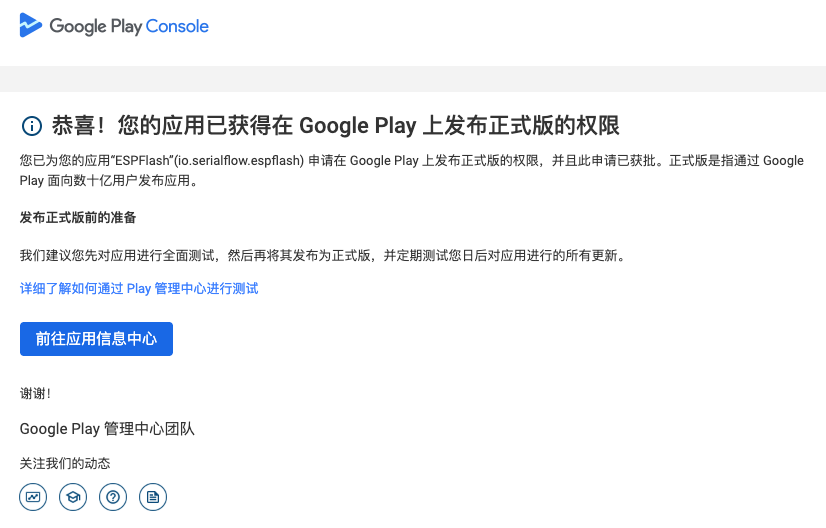 About 3 days later, I received an email that failed the review and asked for corrections. After investigation, it was found that the problem probably lies in the privacy policy-the initial version did not fully describe the data processing of Firebase and AdMob.
After updating the privacy policy and resubmitting it, it only took a few hours to be approved and successfully listed on Google Play.
Summary
- Policy research comes first: pay particular attention to testing and privacy policy requirements.
- Closed beta: Don’t take it hard, go find friends in the community. Mutual aid testing is much more reliable than looking for relatives and friends on your own.
- Privacy policies are no small thing: they must cover the behavior of all third-party SDKs.
- Patience and meticulousness: It is normal to be rejected during the review. Read the feedback carefully and make targeted modifications.
Follow-up
Almost a month later, we welcomed our first paying user.
