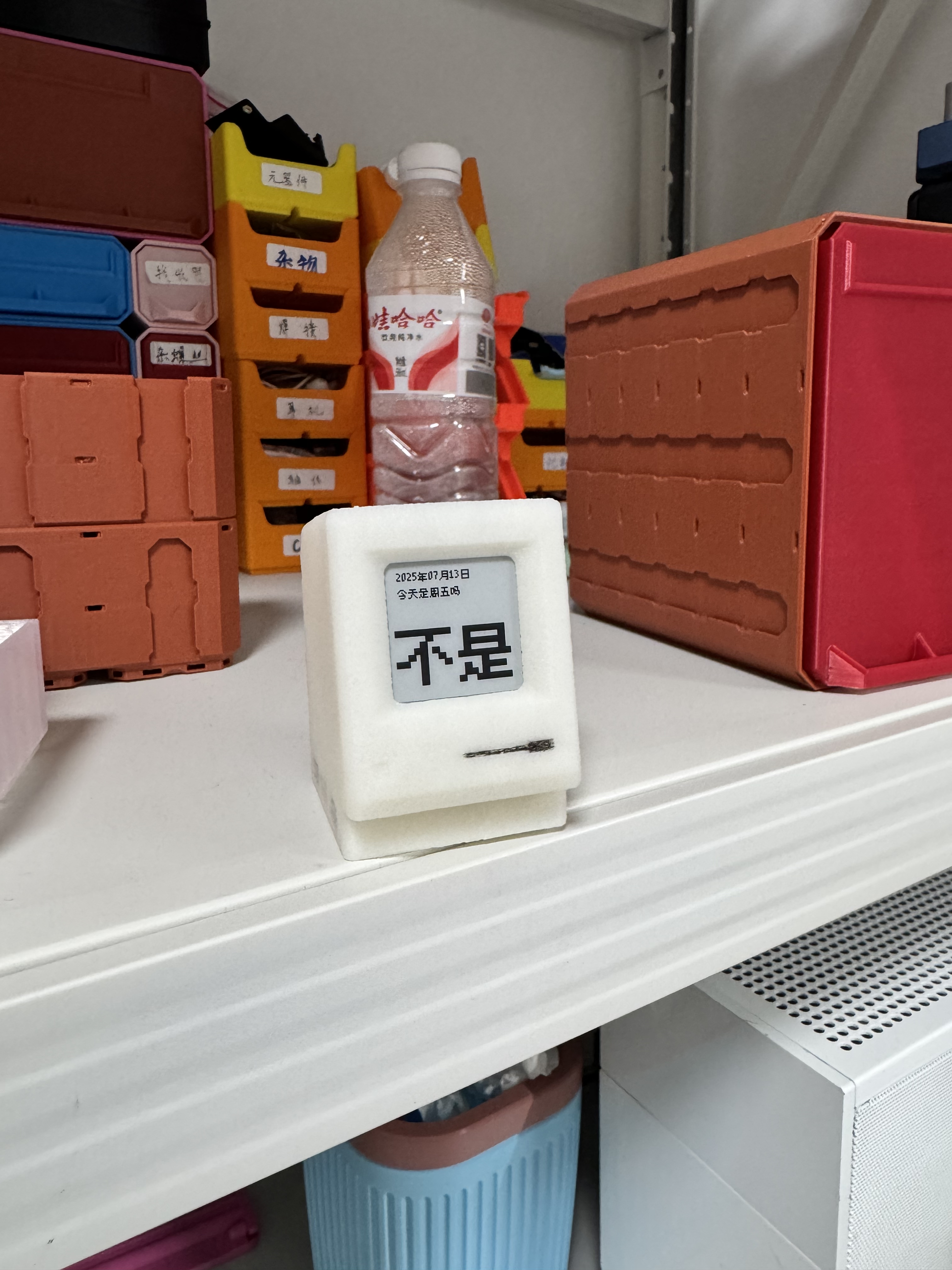
Is today Friday?
Update on November 29, 2025: Based on reader feedback and year-long actual testing, I have added details about the power consumption comparison of SSD1607 and SSD1681 screen drivers, as well as more background on Rust firmware development.
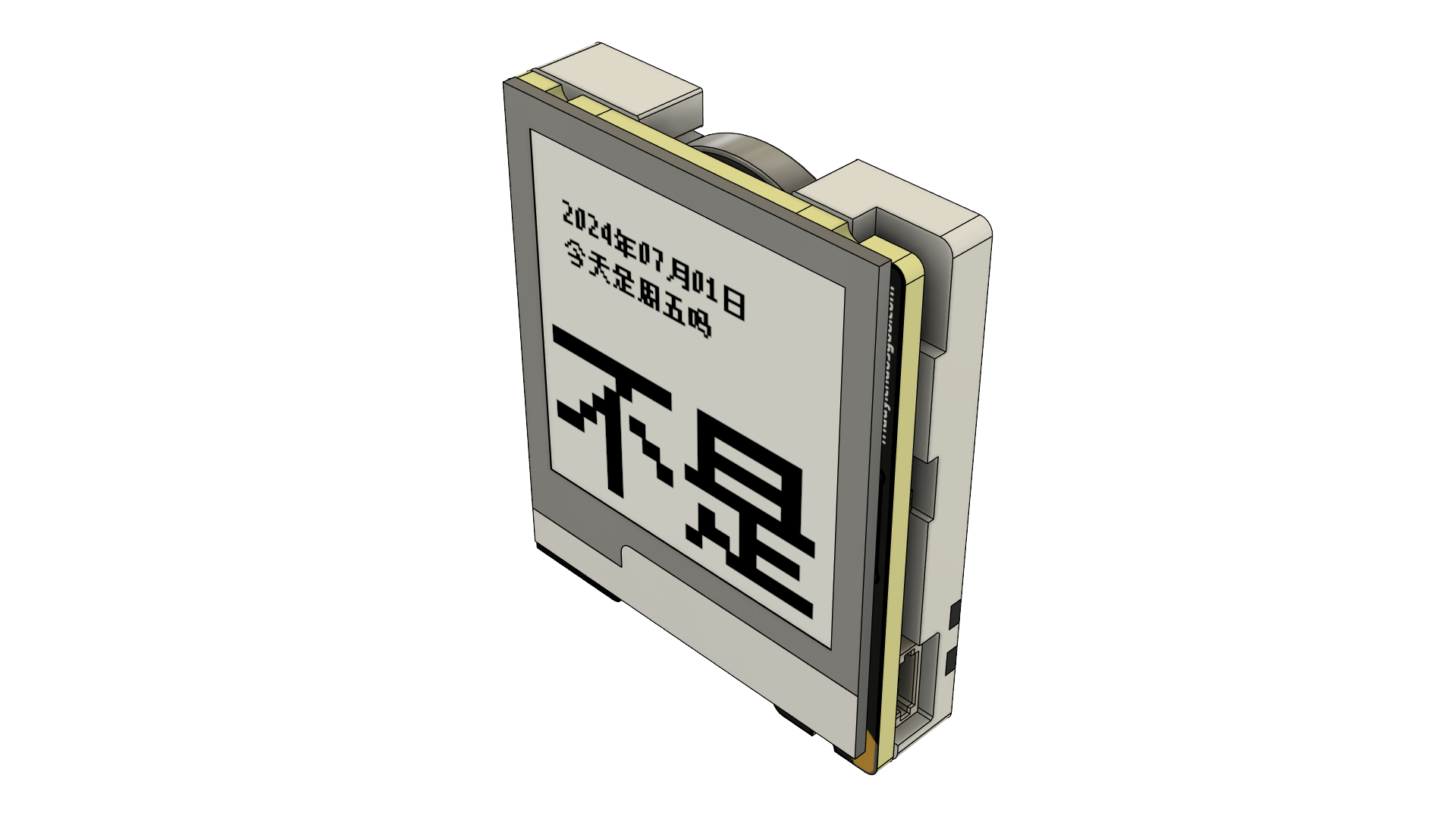
Preface
This was a project that had been delayed for a long time, with many scrapped projects. I remembered this incident after a while, so I patched it up and scrapped it many times.
Old design review
The MCU used ESP32 from the beginning, also used ESP32C3, and finally used CH582F.
At first, it had many functions, such as porting a Lua parser so that Lua scripts could be dynamically loaded to display different content.
FreeType has also been introduced to parse .ttf fonts to have the effect of displaying text of different sizes.
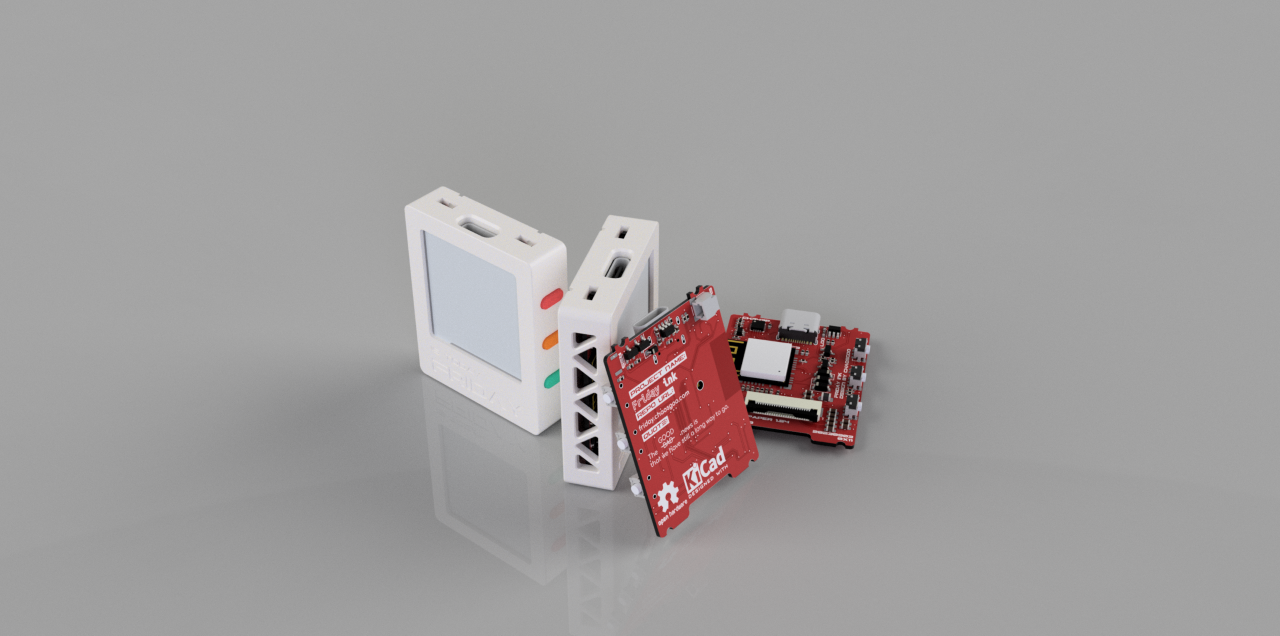
Although the completion of the scrapped case is quite high, the actual battery life performance is very poor. The thought of it having to be recharged makes me feel helpless.
Finally one day I saw the CH582F chip. It aroused the idea of re-implementing Friday Ink.
After checking some information, at that moment I felt that this was the chip I was looking for. It was packaged in QFN28 and could be driven by a button battery. Without further ado, I spent a huge sum of 12 yuan to buy a development board and started developing it.
Basic parameters
Hardware parameters
- The main control is CH582F 32KB Ram + 448KB Flash
- The clock chip is PCF8563T
- The screen is 1.54 inches e-paper display SSD1607
- DCDC chip uses SGM6603-3.3YN6G
- CR2032 battery provides power
Note:
- When using the screen driver IC SSD1607, needs to be soldered to SGM6603, because SGM6603 is needed to completely disconnect the e-paper display power supply
- I picked up this screen from Xianyu. When I bought it, I found that it has the same silk screen as Hezhou’s 9.9 yuan e-paper display, and the same driver IC.
- In actual use, the power consumption could not be reduced in the sleep state. So I got angry and added a DCDC to manage the power supply of the e-paper display. This effectively reduced its sleep current from 70μA to 3μA.
- When using the screen driver IC SSD1681, does not need to solder SGM6603. At this time, use a 0 ohm resistor to short-circuit Pin5 and Pin6 of SGM6603, and there is no need to solder the 4.7μH inductor under SGM6603.
- This is a black and white two-color electronic e-paper display currently on sale in Zhongjingyuan. The display effect is much better than the one I bought on Xianyu. Although the resolution is the same as 200x200, the effect is clear and the contrast is good. The disadvantage is that it is more expensive than the one I bought on Xianyu for 5 yuan.
- Since it can sleep normally, DCDC is no longer needed, and the power consumption performance is slightly better than the SSD1607 version.
Size
- 34mm×39mm×8mm
Power consumption information
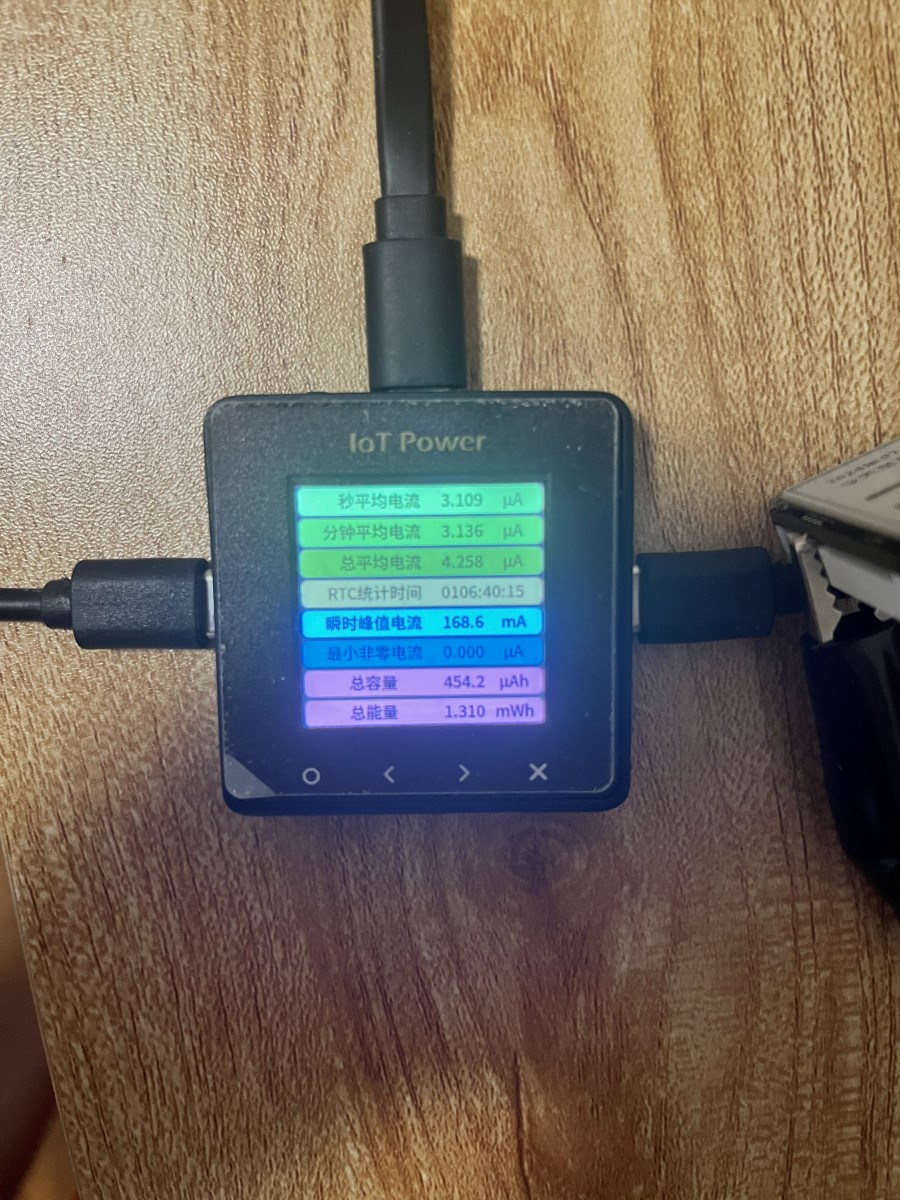
- ≈3μA in sleep state
- Refresh 10~20mA, it will go to sleep immediately after refreshing
Use a button battery as input, and then connect it to Hezhou’s ammeter. After 110 hours, the statistical information is as follows:
Rust firmware development
The firmware was initially developed using C, and the degree of completion was very high, with only the sleep and Bluetooth parts missing. As a result, a Rust embedded group was inexplicably added at this time, and there was a guy in the group who happened to do the Rust adaptation of CH582F. So I decided to try Rust for development. In the display part, bindgen is directly used to bind u8g2, and then bind is done. For the sleep part, ch58x-hal is not encapsulated, so this time I can only rub the registers by hand, so I human-translated the official sleep code. Fortunately, it worked in the end (of course it works, after all, I just translated it)
Friday Ink’s core features
As long as it detects whether the button is pressed during startup, a picture will be displayed when it is pressed, and then scan the surrounding Bluetooth broadcasts. If the scan matches the time protocol, set the local RTC to perform a restart. If the button is not pressed, it will detect whether today is Friday and perform a screen refresh. At this time, the device will sleep immediately until waking up at 00:00 the next day.
Additional note: On June 24, 2025, 315 days later, the SSD1607 version of Friday Ink in my hand ran out of power. Theoretically, the SSD1681 version has better power consumption performance. According to feedback, the battery life is about 400 days.
Q&A
Q: What should I do if I get stuck on the calibration page during time calibration?
A: It is recommended to send the time broadcast in advance to make the mobile phone and the device close enough. Then the device enters calibration, and when it is found that it fails to automatically exit calibration after 20S or the button cannot forcefully exit calibration, remove the battery and reinstall the battery.
Q: The mini program is no longer available
A: The time calibration protocol has been made public. Please use the Bluetooth development board to publish broadcasts that comply with the protocol for time synchronization.
Community replica display
I’m glad that after the project was open sourced, a friend made it and added a Macintosh shell.