background
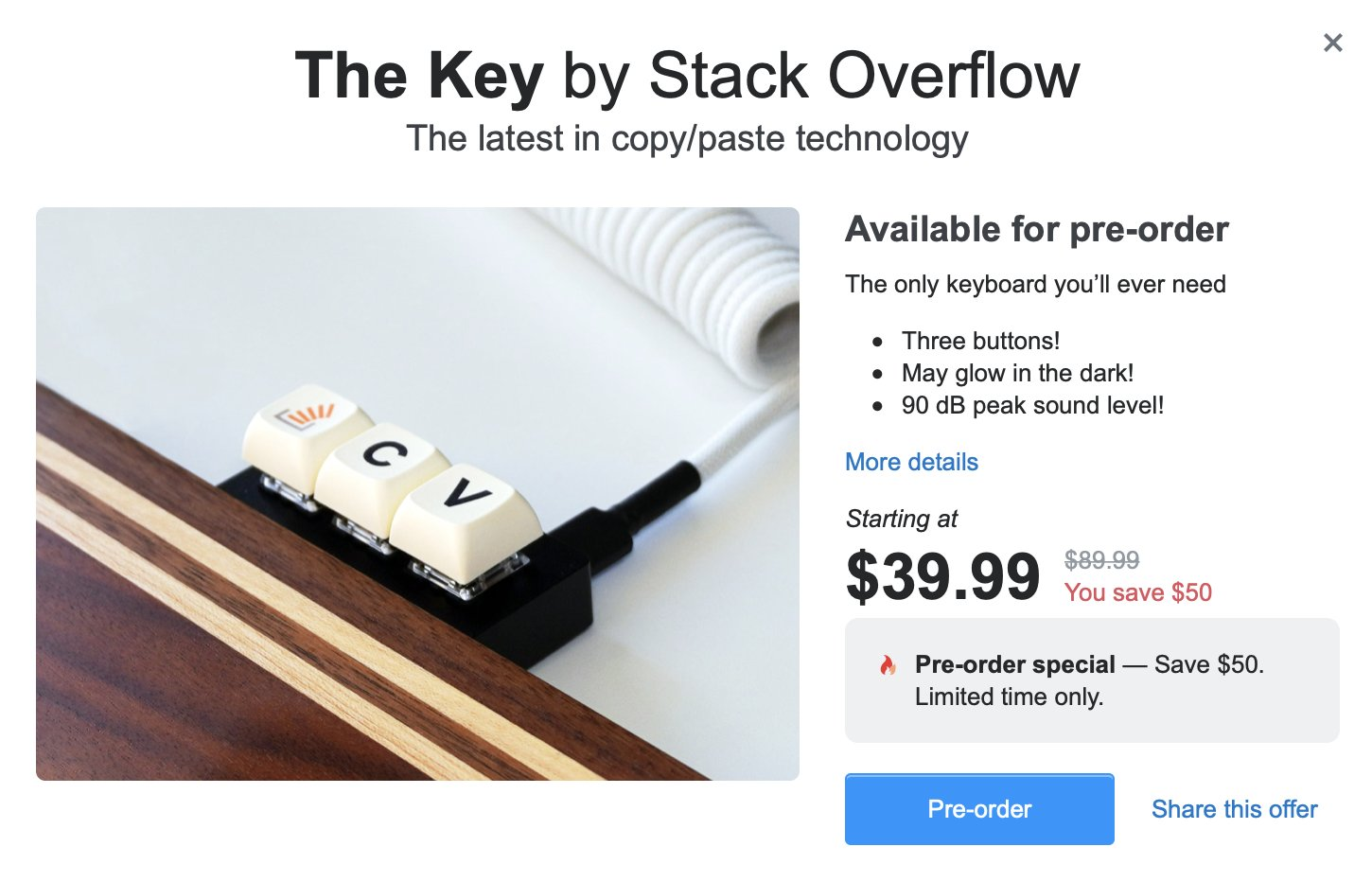
On April Fool’s Day 2021, Stack Overflow made a very interesting easter egg: limiting the number of copies users can make, and “promoting” a customized keyboard with only three keys.
This small and elegant keyboard inspires my creative urge. After thinking about it, I realized that the implementation logic is actually very simple. Basically, I just slightly modified the “Genshin Impact Automatic Piano Playing Device” I made before. The core code is even within a hundred lines.
Then I opened KiCad and started working directly, from schematic to 3D rendering in one go.
🛠️ Core design idea: Why ATMega32u4?
Before starting production, selection is key. The keyboard in the official Stack Overflow easter egg only has three keys: Ctrl, C, V.
In order to achieve this function, I chose ATMega32u4 as the master:
- Native HID support: Different from ordinary ESP32 or ATMega328P, 32u4 comes with hardware USB support and can be directly recognized by the computer as a standard keyboard (HID terminal) without the need for an additional serial port to USB chip.
- Mature firmware library: Using Arduino’s
Keyboard.hlibrary, you can implement key combination logic extremely quickly.
📐 Hardware Development: KiCad Process and PCB Details
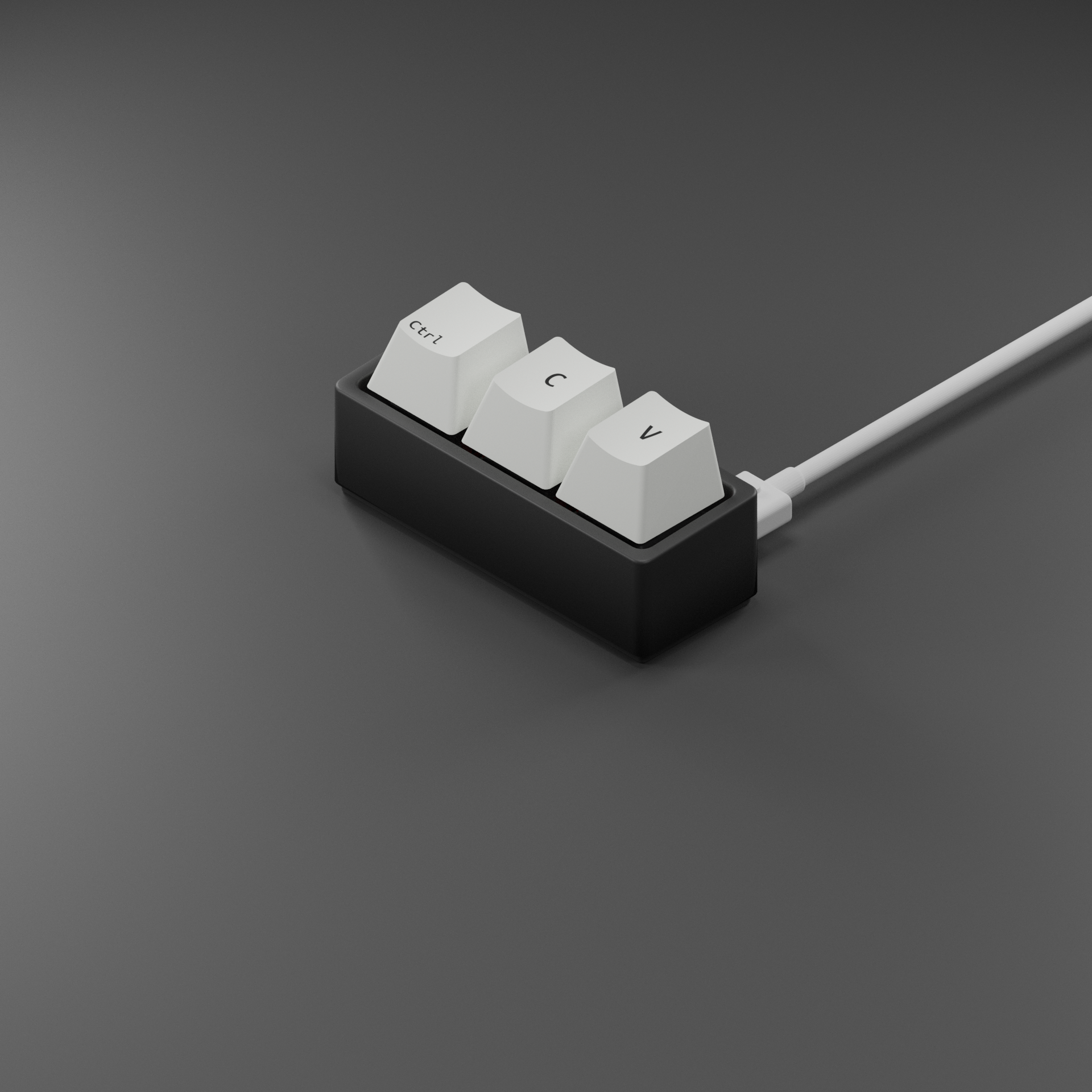
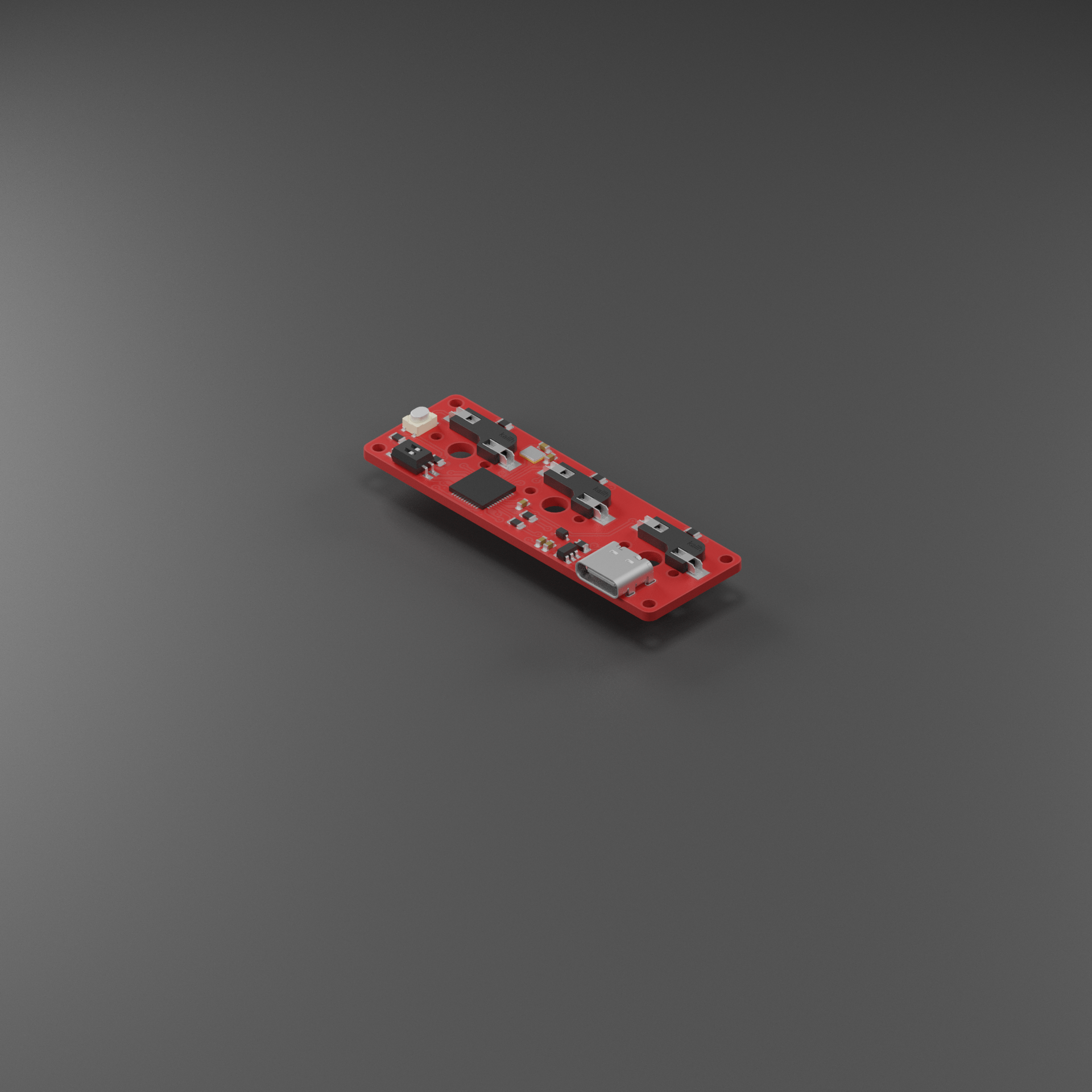
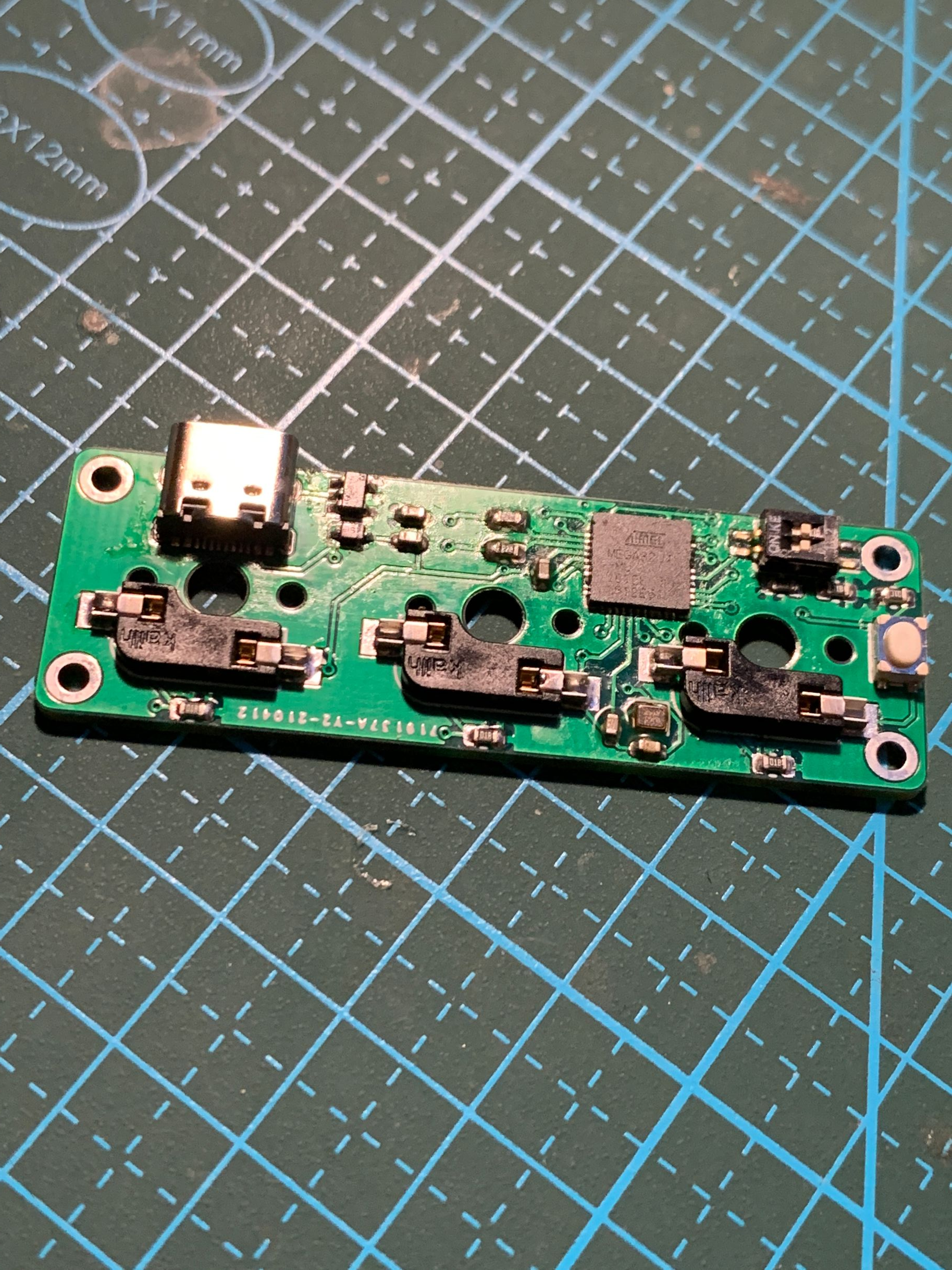
In KiCad, I designed a minimalist 3% layout circuit board.
rendering effect
Key circuit characteristics
- Hot-swappable support: introduces Kaihua hot-swappable shaft base (1511 series), which means you can replace the green shaft, red shaft or silent shaft at any time.
- Power management: uses the AP2112K-3.3 LDO chip to ensure that 32u4 works at a stable voltage, and adds a Schottky diode to prevent reverse power supply from the Type-C interface.
- Mode switching: Added a 2-digit DIP switch. Not only can this be used to switch between different keymaps (like the Mac/Win switch), but it can also turn “burst mode” on or off.
💻 Software implementation: combination key logic
The core logic of the firmware is to map the level changes of physical keys to standard HID coding. The logic to implement Ctrl + C is as follows:
// 示例:实现 Ctrl + C 的伪代码
if (digitalRead(KEY_C_PIN) == LOW) {
    Keyboard.press(KEY_LEFT_CTRL); // 先按下 Ctrl
    Keyboard.press('c');           // 再按下 C
    delay(100);                    // 保持一小段时间
    Keyboard.releaseAll();         // 释放所有按键
}
Bill of Materials (BOM)
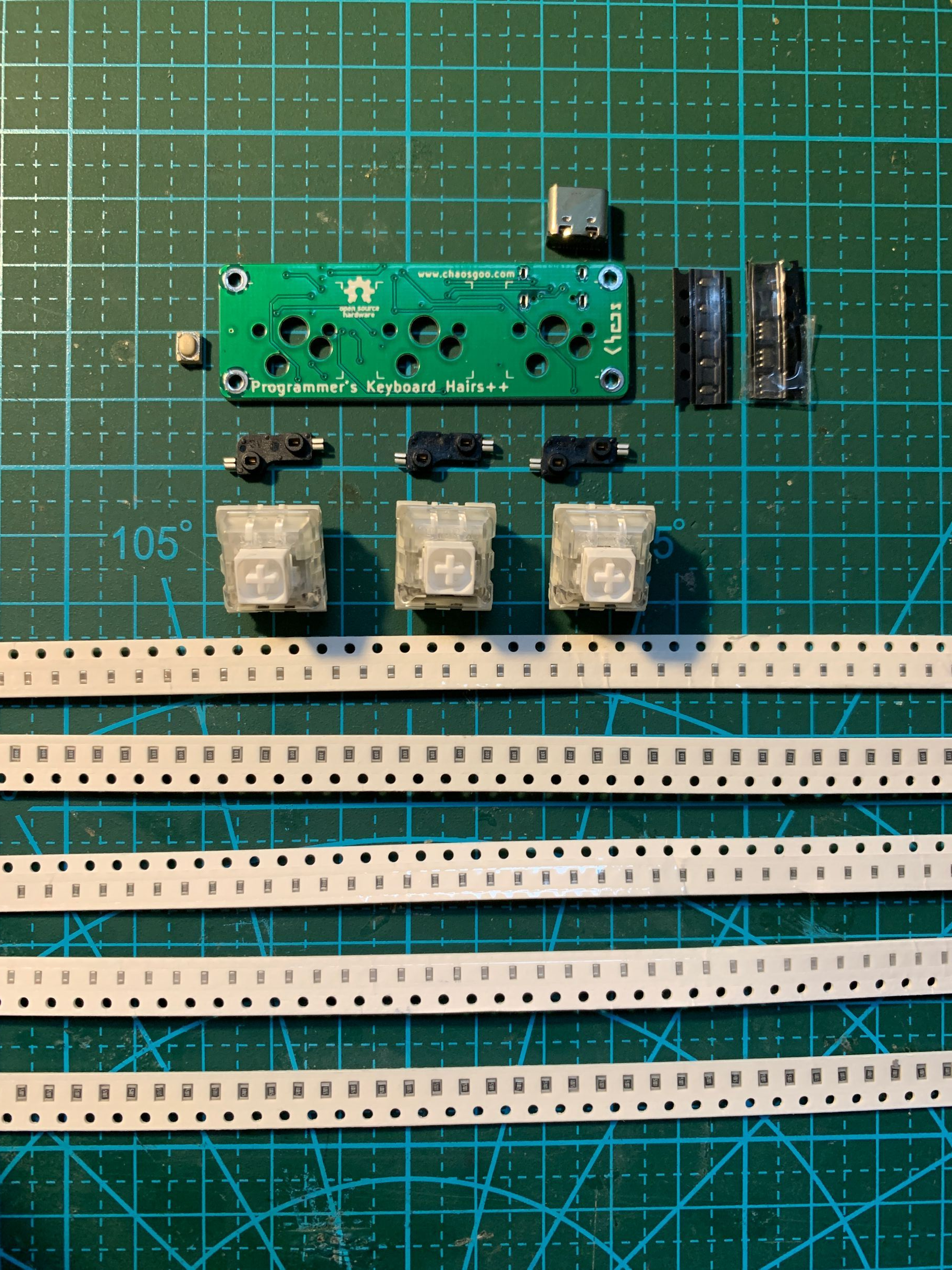
| Serial number | Name | Quantity | Remarks |
|---|---|---|---|
| 1 | ATMega32u4 | 1 | Main control chip QFN44 package |
| 2 | AP2112K-3.3 | 1 | 5V to 3.3V chip SOT-23-5 |
| 3 | 16Mhz crystal oscillator | 1 | 2.0*1.6 |
| 4 | 1uF capacitor | 1 | 0603 |
| 5 | 22pf capacitor | 2 | 0603 |
| 6 | 10uf capacitor | 2 | 0603 |
| 7 | 1KΩ resistor | 5 | 0805 |
| 8 | 10KΩ resistor | 1 | 0805 |
| 9 | 22Ω resistor | 2 | 0805 |
| 10 | Kaihua hot-swappable shaft seat | 3 | 1511 series |
| 11 | Shaft | 3 | Any shaft |
| 12 | 2-digit DIP switch | 1 | 1.27mm |
| 13 | Type-C interface | 1 | 16p |
| 14 | Schottky Diode | 1 | BAT60JFILM SOD-323 |
| 15 | Micro switch | 1 | 3x4x2.5 four-pin patch |
Soldering and assembly
Soldering experience: Although the QFN44 package has dense pins, automatic alignment and adsorption can be achieved after applying an appropriate amount of solder paste and using a hot air gun (recommended 350°C, medium wind speed).
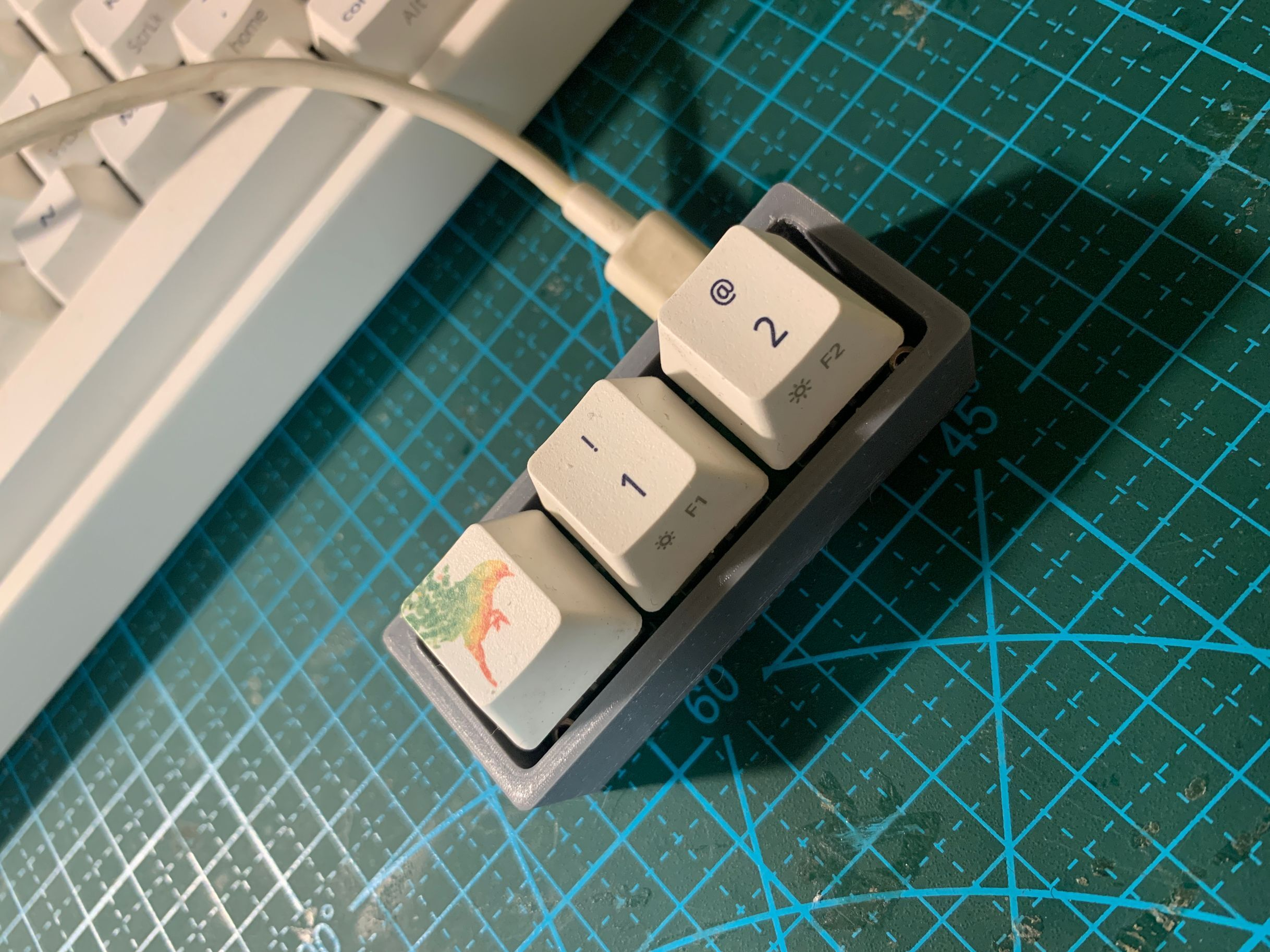
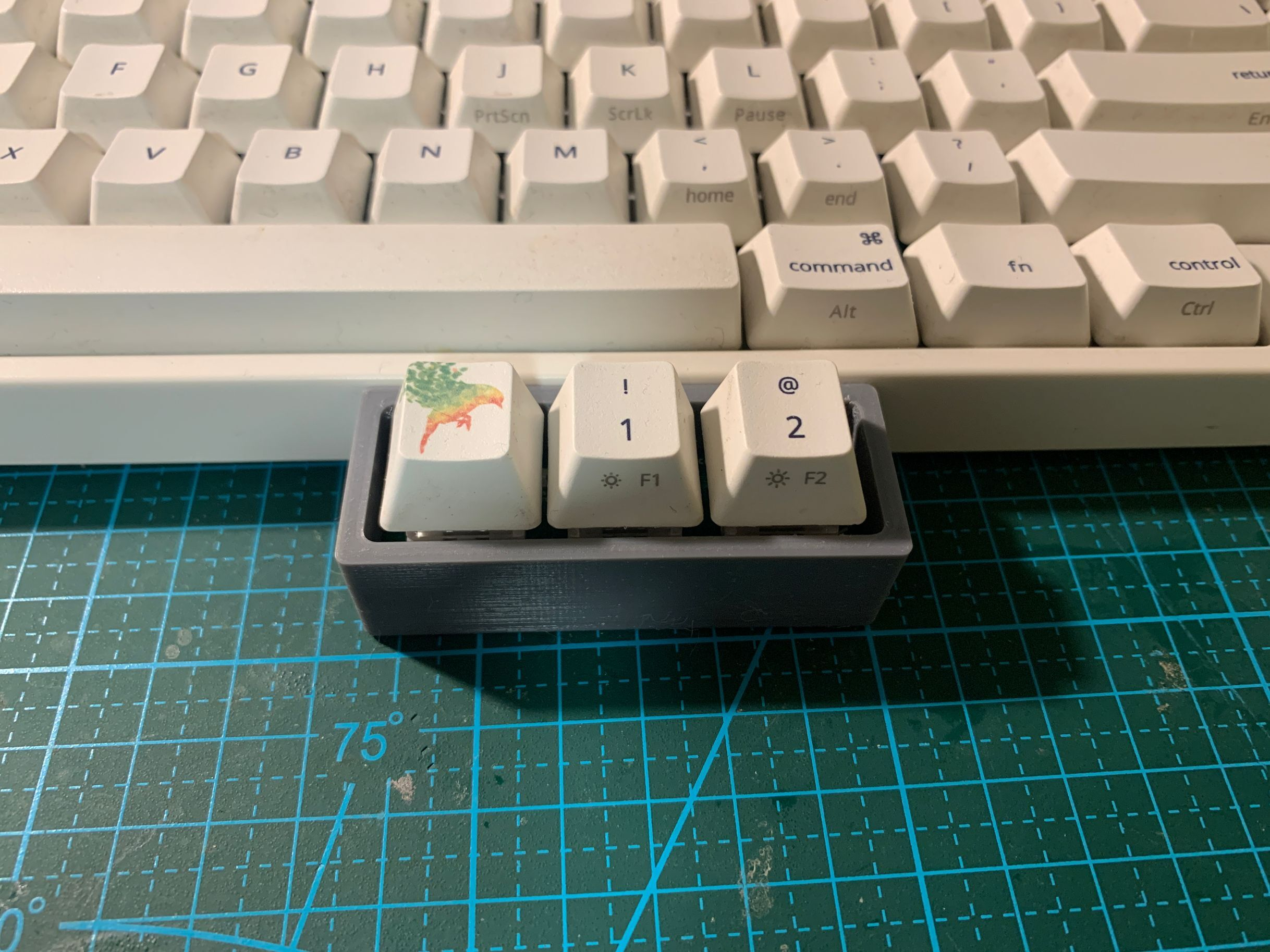
Assembly of: I simply drew a square box as the casing, then snapped three keycaps from my old keyboard and put them on.
Advanced features and open source
Although this keyboard is derived from an Easter egg, it is highly practical:
Burst mode: turned on by DIP switch, suitable for certain scenarios that require rapid repeated operations.
Compatible with all platforms: Based on the standard HID protocol, plug and play, no driver installation required.
Open source address: https://github.com/chaosgoo/HairsPP
Attached: HID Scanning Code Cheat Sheet (Part)
In order to facilitate customizing keys, I have compiled commonly used non-standard key codes. You can modify the firmware to realize macro functions such as F13-F24.
Control and Modifier Keys
| Definition | Encoding (Hex) | Functional Description |
|---|---|---|
| KEY_LEFT_CTRL | 0x80 | Left Ctrl key |
| KEY_LEFT_SHIFT | 0x81 | Left Shift key |
| KEY_LEFT_ALT | 0x82 | Left Alt key |
| KEY_LEFT_GUI | 0x83 | Left Win/Command key |
| KEY_RIGHT_CTRL | 0x84 | Right Ctrl key |
| KEY_RIGHT_SHIFT | 0x85 | Right Shift key |
| KEY_RIGHT_ALT | 0x86 | Right Alt key |
| KEY_RIGHT_GUI | 0x87 | Right Win/Command key |
System & Navigation
| Definition | Encoding (Hex) | Functional Description |
|---|---|---|
| KEY_UP_ARROW | 0xDA | Arrow keys: Up |
| KEY_DOWN_ARROW | 0xD9 | Arrow keys: Down |
| KEY_LEFT_ARROW | 0xD8 | Arrow key: Left |
| KEY_RIGHT_ARROW | 0xD7 | Arrow key: Right |
| KEY_BACKSPACE | 0xB2 | Backspace |
| KEY_TAB | 0xB3 | Tab key (Tab) |
| KEY_RETURN | 0xB0 | Enter key (Enter) |
| KEY_ESC | 0xB1 | Escape key (Esc) |
| KEY_INSERT | 0xD1 | Insert key (Insert) |
| KEY_DELETE | 0xD4 | Delete key (Delete) |
| KEY_PAGE_UP | 0xD3 | Page Up key (Page Up) |
| KEY_PAGE_DOWN | 0xD6 | Page Down key (Page Down) |
| KEY_HOME | 0xD2 | Home key (Home) |
| KEY_END | 0xD5 | End key (End) |
| KEY_CAPS_LOCK | 0xC1 | Caps Lock |
Function Keys
| Definition | Encoding (Hex) | Functional Description |
|---|---|---|
| KEY_F1 - KEY_F12 | 0xC2 - 0xCD | Standard function keys F1 to F12 |
| KEY_F13 - KEY_F24 | 0xF0 - 0xFB | Extended function keys (often used to bind macro commands and will not conflict with system shortcut keys) |
Summary and Outlook
Although this 3-key macro keyboard was copied from an April Fool’s Easter egg on Stack Overflow, it was originally intended for fun, but in the actual production process, it covered many core knowledge points such as native USB-HID communication, hardware circuit design, and ergonomic key mapping.
Through this project, we not only implemented a minimalist productivity tool, but also gained a deeper understanding of:
- The importance of main control selection: ATMega32u4’s hardware USB support is the key to achieving low latency and high compatibility HID devices.
- Advantages of modular design: The introduction of hot-swappable shaft bases and DIP switches gives a compact piece of hardware a high degree of customization.
- The charm of combining software and hardware: A few simple lines of code, combined with precise hardware triggering, can greatly improve the efficiency of high-frequency operations in daily office work (such as cutting and pasting, code reconstruction, and macro command execution).